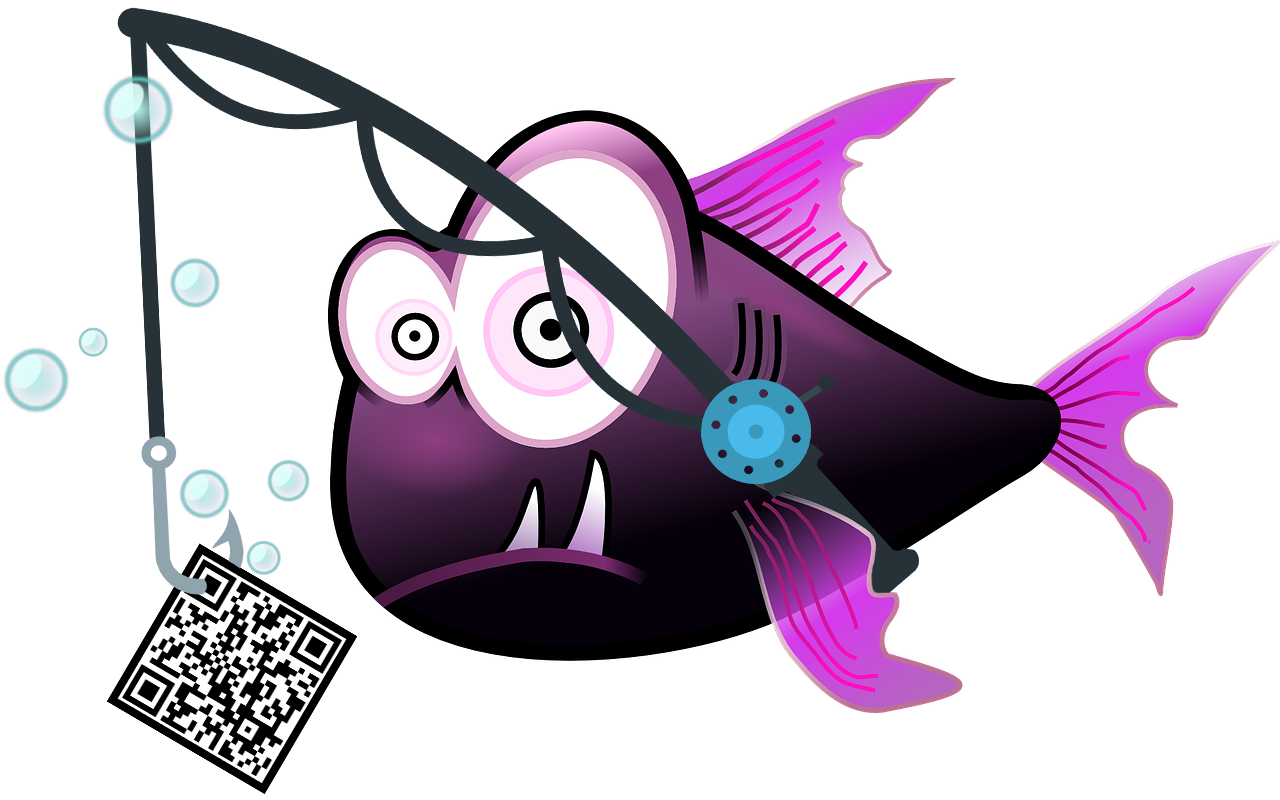

Can’t say it enough…be careful what you click on! Phishing are typically emails or text message links, but there are types that can include phone calls and now, QR codes.  Links with attachments that can lead you to ‘look a like’ sites that are intent on stealing your personal information or information about your private accounts. These links or attachments may also download malware or ransomware onto your device or network. Cybercriminals attempt to lure users to click on a link or open an attachment that infects their computers, creating vulnerabilities for criminals to use to attack. Phishing emails may appear to come from a real financial institution, e-commerce site, government agency, or any other service, business, or individual. The email may also request personal information such as account numbers, passwords, or Social Security numbers. When users respond with the information or click on a link, attackers use it to access users’ accounts.

The increase in phishing attacks is a threat to all organizations. It’s important to know what to look for and how to protect yourself and your organization.


1. Deceptive Phishing

  • Deceptive Phishing is the most common type of phishing scam
  • An email from someone you know
  • Steals info by impersonating a well known brand

What can you do?

  • Inspect URLs carefully
  • Check for legitimate redirection
  • Look for:
    • Generic salutation
    • Grammar mistakes
    • Spelling errors

2. Spear Phishing

  • Spear Phishing is most common on social media sites
  • An email from someone you know
  • Uses personalized information

What can you do?

  • Train employees about security awareness
  • Limit the sharing of personal information
  • Use automated solutions to analyze emails

3. Smishing

  • Smishing contacts a target by text message
  • Impersonates a known entity to steal sensitive data/personal information/funds

What can you do?

  • Research unknown numbers
  • When in doubt, call them back on a known phone number

4. Vishing

  • Vishing contacts targets by telephone
  • Impersonates known entities to steal sensitive data/personal information/funds

What can you do?

  • Don’t answer calls from unknown numbers
  • Never give personal information over the phone
  • When in doubt, call them back on a known phone number

6. CEO Fraud

  • CEO Fraud targets executives
  • It is used to authorize fraudulent financial transfers
  • Also used to obtain W-2 information on employees

What can you do?

  • Training for executives
  • Multi-factor Authentication for financial transfers

6. Pharming

  • Pharming leverages cache poisoning against DNS
  • It changes IP addresses connected to a website name
  • Redirects you to a malicious website

What can you do?

  • Only use websites that are HTTPS protected
  • Use anti-virus software and update it regularly
  • Update security upgrades regularly

6. Quishing

  • Upon using their phones to scan the QR code, victims are directed to a malicious site or prompted to download harmful content
  • Attacker embeds the QR code in phishing emails, social media, printed flyers, or physical objects & uses social engineering techniques to entice their victims
  • Attackers can exploit the information collected for identity theft, financial fraud, or ransomware

What can you do?

  • Verify the URL associated with the QR code
  • Refrain from submitting personal information or making payments on a site assessed through a QR code
  • Do not download anything from a site assessed through a QR code